
Can Mobile Browsing Make Online Casino Research Easier?
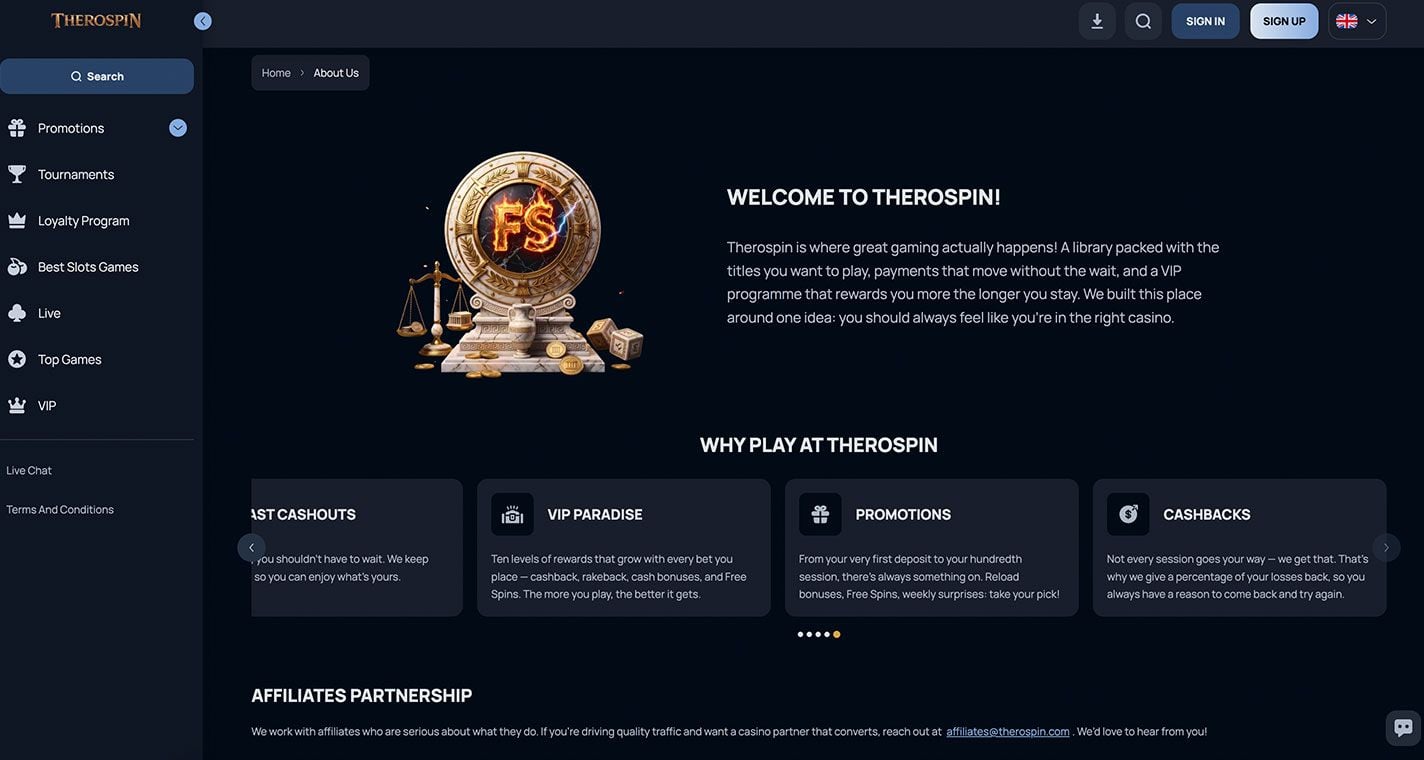
For adults comparing the best online casinos australia options, a mobile browser can be the most practical way to inspect a site before deciding whether it deserves further attention. The Australia-facing Herospin information is available through www.casino-herospin.org/, while the wider question is how well a casino website works on a small screen. A useful mobile check should cover navigation, readable terms, account access, security, support and the limits of browser-based use rather than assuming that a phone experience is automatically the same as a dedicated app.
What should a mobile browser reveal first?
The first visit should be treated as an inspection rather than a race to open an account. A well-organised mobile page should make the primary navigation understandable without repeated zooming or sideways scrolling. Look for clear routes to the casino lobby, live casino, account area, promotions, help pages and responsible-gambling information. If buttons overlap, menus disappear or important wording is hidden beneath several layers, that is useful information about the quality of the mobile experience.
Browsing categories matter because a compact display can make a large catalogue difficult to assess. The available mobile lobby separates content into areas such as new, popular, exclusive, live, instant, pokies, table games, jackpots and all games. These labels can reduce scrolling when a user already knows the type of content they want to examine. They should still be treated as navigation aids, not recommendations: a “popular” or “top” label does not establish that a title is better suited to a particular player.
Small-screen research is also a good time to test whether material information remains readable. Open the terms, promotion details and support pages, then check whether the text loads properly and whether headings explain what follows. Pay attention to expiry periods, qualifying conditions, wagering rules and maximum-bet wording where relevant. If a page is slow, incomplete or difficult to read on a normal phone connection, save the information for a larger screen instead of making a decision from an abbreviated display.
How does browser access differ from a mobile app?
Mobile browser access means visiting the website through a standard browser such as Safari or Chrome. It does not mean that a native application has been installed. The available service can be opened through a mobile web browser, with the casino lobby and account pages adapted to smartphone-sized screens. This distinction is important because a site may look app-like while still relying entirely on the browser, cookies and the phone’s usual security settings.
The service information does not confirm a dedicated iOS or Android app. It also warns against assuming that an app-store listing or third-party APK is an official native application. That makes the browser route the more clearly supported way to inspect the mobile site. Avoid downloading unfamiliar files simply because an advertisement promises faster access. An unofficial application may request permissions that have nothing to do with viewing a casino lobby or checking account information.
A browser can be convenient, but it may not provide every benefit associated with a native app. Notifications, device integration, offline behaviour and biometric sign-in depend on the browser, phone and operator settings, and should not be presumed. Browser tabs can also be closed, logged out or affected by privacy controls. Before relying on mobile access, check whether the pages you need remain usable after rotating the screen, switching between Wi-Fi and mobile data, or returning to the site later.
Which mobile security checks are worth doing?
Use a private, up-to-date device and install operating-system and browser updates promptly. A screen lock, device encryption and reputable security software add protection if the phone is lost. Avoid accessing an account through a public or shared device, particularly when the browser may save passwords, autofill personal details or leave an active session behind. When finished, sign out and review whether the browser has retained sensitive information.
Check the address bar carefully before entering an email address, password or identity details. A familiar logo is not proof that a page is genuine, and a search advertisement or social-media message can lead to an imitation site. Do not install an APK or browser extension to unlock a supposed mobile feature. For broader Australian guidance on protecting phones, accounts and personal information, consult Australian online safety guidance.
Use a unique password for the casino account and do not share it with support staff or anyone claiming to offer technical help. Treat one-time codes as private, too. If the site offers additional sign-in protection, follow the stated instructions rather than copying codes into messages. Keep personal and payment details consistent, because later verification may require information that matches the account holder’s identity and payment method.
What can make mobile browsing frustrating?
A phone’s small screen can conceal practical limitations. A menu may show only icons, a promotion may require several taps to reveal its conditions, and a long terms page may be difficult to compare with another source. Connection quality can also affect live content, images and account pages. These are not necessarily faults in the underlying service, but they can make hurried decisions more likely. Use a larger screen when reviewing lengthy rules or comparing several sites.

Support access deserves a separate check. The available information lists a Help Centre, live chat and an email route, but an Australian review reported that the live-chat control did not respond during testing and that no telephone number was displayed. Results can change, so this should not be treated as a permanent conclusion. On mobile, note the support address before a problem occurs and keep copies of relevant messages, dates and account references.
Mobile convenience can also encourage longer sessions than intended. The available account information does not confirm dedicated deposit, loss or session limits in the account area, so users should not assume that a phone view includes comprehensive safer-gambling controls. Decide in advance how much time and money is acceptable, and stop if the site does not make those boundaries easy to maintain. External Australian support and self-exclusion services are separate from the website’s own tools.
When is a larger screen the better choice?
A phone is well suited to quick browsing: checking whether categories load, reading basic site information, locating support and confirming that the layout works. It is less suitable for careful comparison of long promotional terms, identity-document requirements or payment conditions. If wording is crowded or the page keeps moving while you read, switch to a tablet or computer. Convenience should not replace a clear understanding of the conditions.
A larger screen is particularly useful when several details need to be compared at once. You may want the promotion terms open beside the account area, or the help page beside the mobile lobby. This makes it easier to identify contradictions, notice missing information and keep a record of questions for support. The cashier, where relevant, is the practical reference for methods enabled for a particular account and country; do not rely on a general payment list alone.
Before using mobile browsing regularly, perform a short practical test. Open the lobby, return to the home page, search or filter content, read a full terms page, locate account recovery and find support contact details. Then close the browser and reopen the site to see whether the session behaves as expected. If the experience is confusing, incomplete or dependent on unverified downloads, the sensible decision is to pause and seek clarification rather than continue because the phone makes access easy.
Mobile browsing questions readers often ask
Is a mobile browser the same as a dedicated casino app?
No. A browser loads the website through Safari, Chrome or another browser, while a native app is installed on the device. The available information supports mobile web access but does not confirm a dedicated iOS or Android app. Treat third-party downloads cautiously and do not assume an APK or app-store listing is official.
Can I rely on mobile pages for promotion terms?
Use them as a starting point, but read the complete terms before making a decision. Small screens can hide conditions behind expandable sections or make long wording difficult to compare. Check qualifying requirements, expiry periods, wagering rules, contribution rates and maximum-bet conditions, and ask support if any part remains unclear.
What should I do if mobile support does not respond?
Record the date, time and issue, then try the listed email route rather than repeatedly submitting the same request. Keep copies of relevant correspondence and avoid sharing passwords or one-time codes. If the matter concerns an account or payment, wait for a clear response before making further changes that could complicate verification.